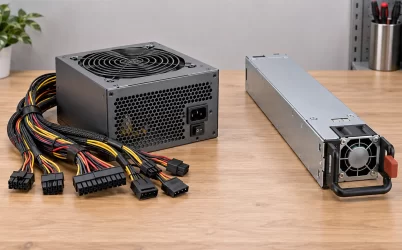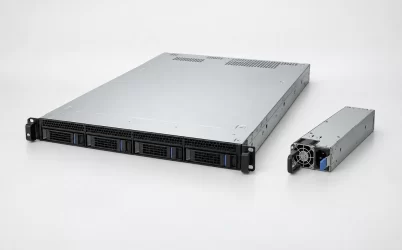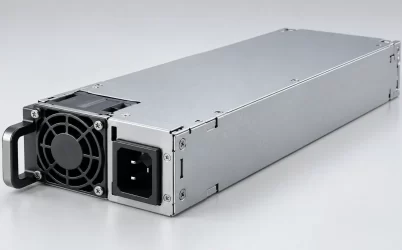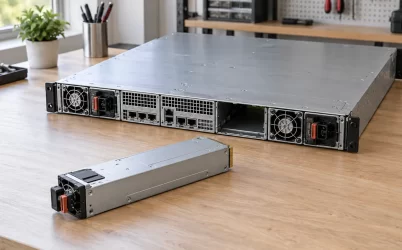
A “blown” server power supply can mean anything from a dead, unlit module to a sharp pop, smoke, melted plastic, or visible scorching. Those are not equivalent cases. If there is smoke, a burning odor, heat damage, or evidence of arcing, stop using the affected equipment and have the power isolated by the site’s authorized personnel. Do not keep restarting it to see whether the fault repeats. A second PSU may keep a redundant server running after an ordinary module fault, but it does not make a suspected fire or electrical-damage event safe. The immediate problem is not selecting a spare; it is establishing whether the damaged unit, its input connection, the shared chassis, and nearby distribution hardware can be approached and returned to service safely.
The cause is not always inside the removable PSU. An inlet, cord, PDU outlet, upstream supply, or downstream short can be involved, and the most visibly marked part may only be where heat escaped. Treat a physical failure as an equipment-and-power-path event. Routine symptoms without heat damage belong to a different diagnostic process; this article addresses the more consequential situation in which there is reason to believe something actually burned or arced.
First decide whether “blown” describes damage or only a fault message
An amber indicator or management alert is not a photograph of an exploded converter. Some server platforms report loss of input power as a PSU failure event even when the module itself remains healthy. A disconnected cord, de-energized PDU outlet, or input outside the permitted range may produce a similar operational result: the PSU stops delivering power. A fan that is not turning is also weak evidence by itself, because fan behavior varies by model, load, standby state, and chassis control. If there is no smell, smoke, noise, discoloration, or heat damage, follow the platform’s normal service documentation rather than assuming a destructive failure.
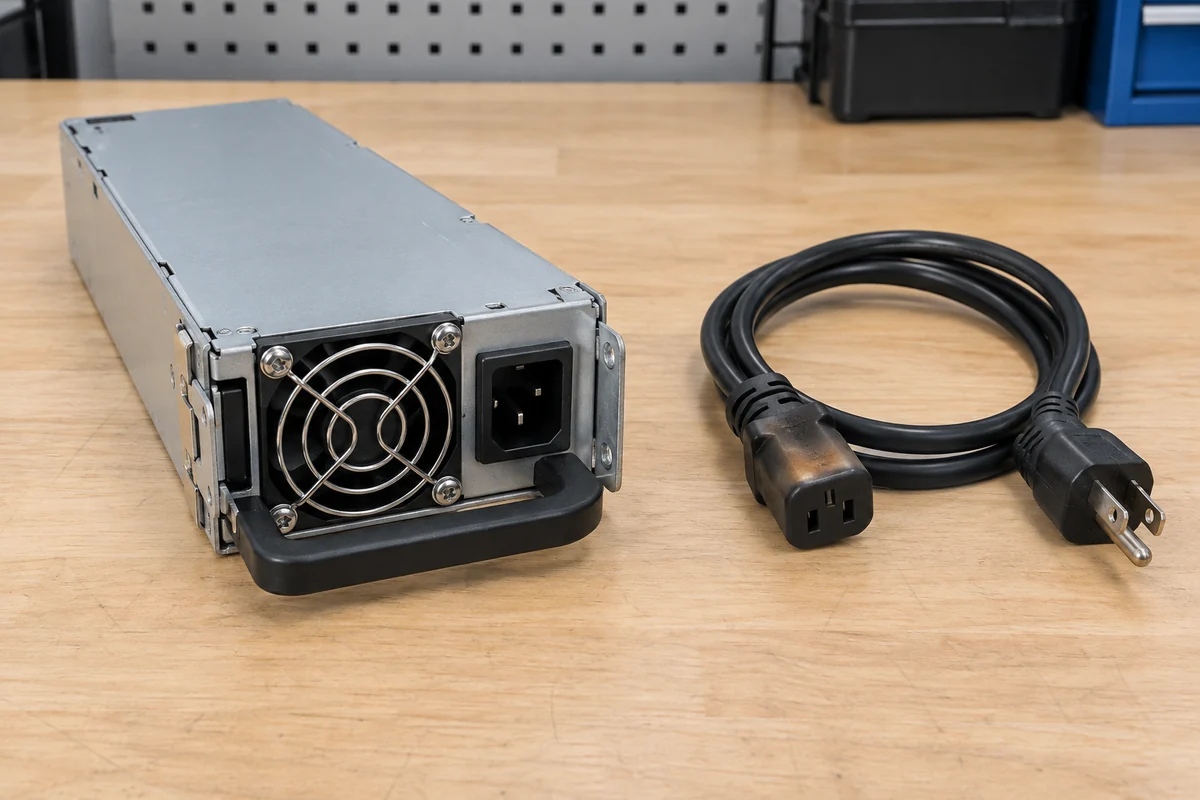
Physical clues change the response. A crackling sound at the rear of the server, soot around a plug, softened insulation, a deformed inlet, an unusually hot cord end, or smoke from a PSU bay suggest that the fault may include the external connection or adjacent hardware. Even an apparently small scorch mark can accompany contact resistance or arcing at a connector. Do not touch a suspect connector to judge its temperature, pull a hot module by hand, or remove its cover. If there is active smoke or fire, follow site emergency procedures and use trained responders; equipment salvage is secondary.
Location matters more than the dramatic word used in a ticket. “PSU A failed” from a management screen identifies an observed device state. “Smoke appeared at PSU A’s inlet” identifies an observed place. Neither sentence proves the internal component that failed first. Keep those observations separate so that a replacement part is not installed into a damaged mating socket or the same compromised upstream feed.
Standby and a surviving module do not remove the hazard
Server front-panel power controls often request a shutdown rather than physically disconnecting every source. A redundant server may have two input cords, two distribution paths, and auxiliary circuits that remain energized in standby. For a suspected electrical-damage event, the site needs an isolation boundary covering every feed to the affected system, including any second PSU and the distribution equipment under inspection. HPE’s ProLiant safety guidance on multiple power sources warns that all power cords must be removed to disconnect power from a system completely. That statement is about complete isolation, not a universal instruction to pull cords from a smoking rack without following local electrical and fire procedures.
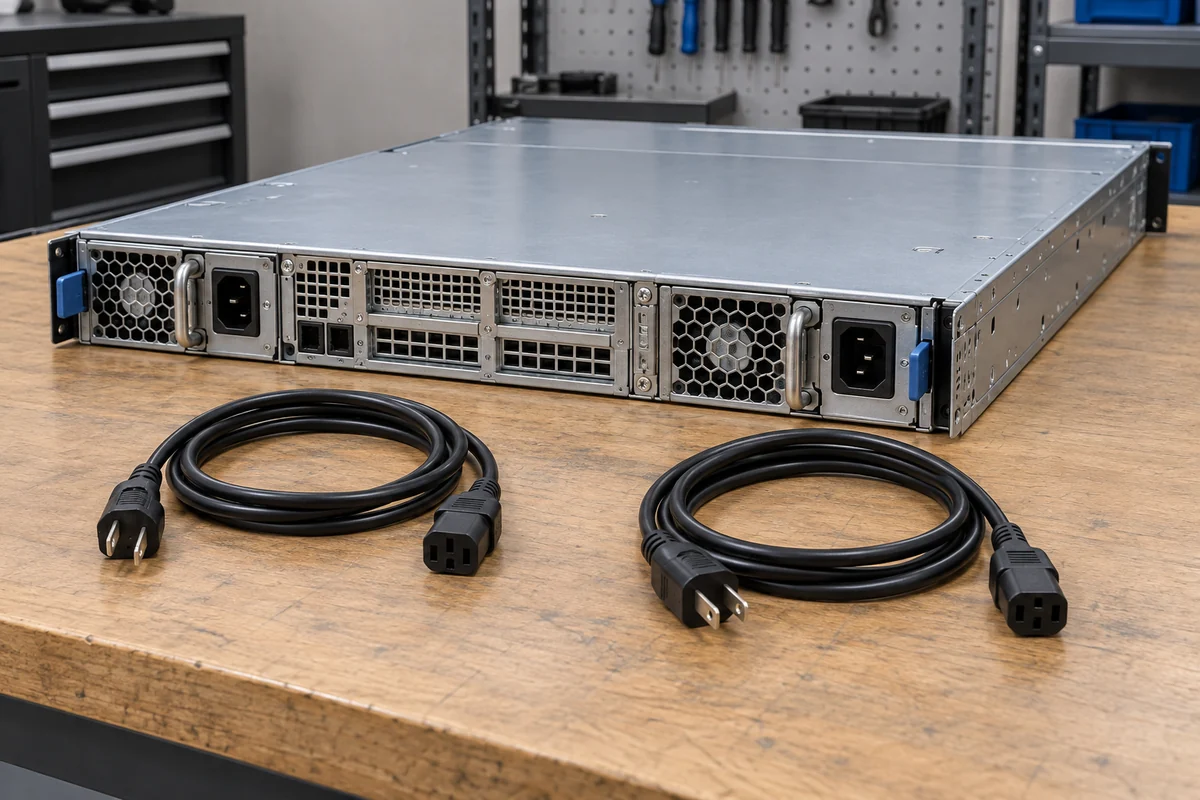
A functioning second module solves one narrow continuity problem: it can supply the computer if the platform’s redundancy configuration and remaining capacity permit. It cannot establish that a burning inlet is isolated from the common PDB, that the rack PDU is undamaged, or that the adjacent cord is safe. Nor does a green status lamp on the survivor prove its input feed is independent of the damaged connection. In an ordinary, non-destructive single-module failure, an OEM may permit controlled hot replacement. A heat-damage event calls for a different decision by trained staff because the physical integrity of contacts and insulation is uncertain.
Likewise, removing a cord from one module may not isolate the affected server if the other cord remains live. Merely pressing the power button can leave standby power present. The appropriate response depends on site procedures and the equipment involved, but the principle is stable: identify every energy source before inspection or service. This is especially important in dense racks, where cables from different feeds can enter a single chassis from opposite sides of the rear aisle.
The mark on the PSU may not be the origin of failure
Consider three distinct places where damage may be visible. At the AC input, a poor contact at the plug, inlet, or PDU outlet can heat under load and discolor the connection. Inside an enclosed PSU, a failed component may produce odor or soot at the ventilation grille. At the chassis-side blind-mate connector, damage can involve both the removable module and the fixed mating assembly. These cases lead to different repair scopes even if a service desk labels every one “blown PSU.” The observable pattern is a starting point, not proof of the root cause.
Electrical stress can travel both ways. An upstream abnormality may affect a converter or its input protection. A fault on a DC distribution rail can cause PSU protection to shut down, while a faulted connector or load may stress the module. A correctly operating protection function can leave a supply apparently dead until the underlying condition is cleared; conversely, a visibly damaged unit can coexist with a damaged board or cable. Without qualified assessment, it is unsafe to infer the exact failing component from a smell or the shape of a burn mark.
Heat may also be cumulative rather than sudden. Restricted airflow, blocked exhaust, a loose connection, or operation outside the relevant input and thermal envelope can contribute to elevated temperature. That does not mean every failed PSU was overloaded or installed incorrectly. It means replacement should not treat the module as a sealed cause detached from its environment. The technician needs to know what was connected, how the bay was cooled, and whether the neighboring hardware shows any change since the event.
A one-time transient and a chronic problem are also different possibilities. If several supplies or cords in the rack show symptoms at once, a shared input or distribution event becomes more plausible than multiple unrelated module failures. If the same bay damages two compatible replacements, the fixed chassis interface deserves attention. Neither pattern proves causation on its own, and neither justifies repeated trial replacements while the underlying hazard is unresolved.
A tripped upstream breaker is another ambiguous clue. It tells the team that a protective device interrupted current; it does not show whether the abnormal current began in the PSU, its cord, an outlet, or equipment farther downstream. Resetting that breaker repeatedly without isolating the affected equipment can re-energize a damaged path. Likewise, a second feed that stayed live during the event may have hidden the failure from applications while the connector continued to heat. Comparing which feeds and neighboring devices were affected helps define the inspection area, but no single breaker, lamp, or log entry can certify that the remaining path is undamaged.
Preserve evidence without turning the incident into a live experiment
The safest useful record is often made without opening the PSU. Note which system and bay were involved, the approximate time, what the operator actually saw or heard, whether other racks reported problems, and which feeds were connected. Once the area is made safe under site procedure, exterior photographs can show discoloration, plug or socket damage, cable identification, and the condition of adjacent modules. Management logs may preserve voltage, temperature, and PSU events, but their timestamps and labels should be interpreted as observations from that platform—not as a definitive reconstruction of the first electrical failure.
Do not open the PSU enclosure to look for a blown fuse, capacitor, or charred board. The enclosure is not simply a cosmetic cover: the primary side can retain hazardous energy, and internal examination is a job for qualified service or the manufacturer. A casual continuity check across exposed contacts or a homemade jumper at a server PSU connector can make a damaged unit more dangerous and can obscure warranty or failure-analysis evidence. The goal at the rack is to establish a safe service boundary and preserve the facts needed by the responsible technician.
Photographs should include enough surrounding context to distinguish a damaged cable end from a damaged module inlet and to show which bay it occupied. Avoid cleaning soot, scraping contacts, bending pins back into shape, or discarding the cable before the affected parts are examined. If a connector is visibly deformed, treat both halves of the mating pair as suspect. A replacement PSU inserted into a heat-damaged chassis socket may encounter the same contact problem as the original even though the new converter is electrically sound.
Records of what was changed immediately before the incident can be useful too: a newly installed module, a moved cord, a changed PDU, a higher workload, or a blocked rear aisle may narrow the assessment. They are hypotheses, not automatic causes. The account should distinguish what a person observed from what a monitoring system inferred and what a later inspection confirmed.
A spare PSU is only one part of the repair scope
After isolation, the service team can determine whether replacement is limited to a removable module or extends to the cord, PDU outlet, chassis inlet, power-distribution board, or connected load. The exact OEM service manual controls which components are replaceable and under what conditions. A scorched AC socket or damaged blind-mate connector is not made acceptable by sliding in a fresh cartridge. Where the source of heating is outside the module, leaving that component in place can expose the new PSU to the same fault.
The replacement itself must be supported by the server platform. Similar wattage and shape do not establish compatibility: connector keying, input range, standby behavior, firmware recognition, airflow direction, and allowed pairing may differ. Even a physically fitting module can be an unsupported combination. If the second PSU stayed operational, its presence may allow some data or service continuity while the incident is handled, but no general rule says that production load should continue beside smoke damage. The site’s safety response outranks uptime.
Restoring power should follow the completed physical assessment rather than be used as the assessment. If the event implicated a rack distribution device or both server inputs, the repair boundary may extend beyond one host. The responsible personnel can then use the OEM’s authorized replacement and startup checks to see whether the server recognizes the new module and whether any alarms return. A persistent fault after a correctly matched spare does not prove that the spare is bad; it may point to the bay, distribution path, load, or upstream source. That distinction prevents a succession of replacement PSUs from masking an unresolved electrical problem.
For a genuinely burned server PSU, the useful question is therefore not simply “Which wattage should I order?” It is “What else shared the damaged electrical path?” The answer may be limited to one module, but that conclusion belongs after the affected connectors, neighboring hardware, and power source have been assessed—not before.