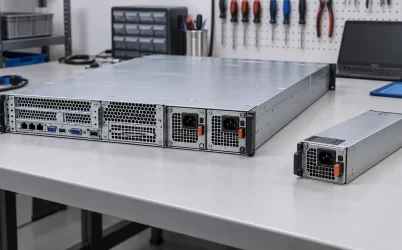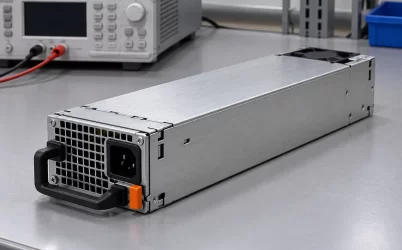
Yes, insufficient power-supply capacity can contribute to a server shutting down, resetting, refusing to start, or reducing performance. It is a weaker explanation for a frozen application or a server that merely appears “hung.” What happens depends on the platform’s power policy, the power actually available at the input voltage, the number of healthy modules, and how abruptly the load changes. A wattage label alone cannot prove a PSU is undersized, and a crash alone cannot prove the PSU caused it.
The useful question is whether the server’s required power exceeded the capacity available in the state where the symptom occurred. That state may differ from normal operation: a second PSU might have lost AC, an input might be at low line, a GPU may have reached an unusual load, or firmware may have applied a power cap. Separating those states makes the diagnosis more precise than replacing a module because its printed rating looks small.
“Undersized” describes available capacity, not just the nameplate
A server PSU rating normally expresses an output capability under stated operating conditions. The rack’s AC source and the server’s configuration determine whether that capability is available. Some supplies deliver less output at a lower AC input voltage; some are not supported at all combinations of input and platform. A printed 1400 W should not be entered unconditionally into a power budget if the installed supply, voltage and server manual specify a lower limit.
For a concrete manufacturer-specific example, the Dell PowerEdge R6625 PSU specification says its 1400 W or 1100 W AC supply is derated to 1050 W when operated at 100–120 V AC. That is not a rule for every Dell system, every 1400 W module, or any Powernexu product. It demonstrates why a high-line rating cannot be assumed at a low-line outlet. The available-capacity figure for another server must come from that platform’s approved PSU options and input conditions.
Capacity also has an electrical path. A PSU may be capable of an output on its own but be paired with a connector, distribution board, cable, input feed or thermal environment that limits how the server may use it. A software “power available” reading is more informative than the faceplate number when it incorporates those constraints, though it too should be interpreted against the platform’s documentation. A mismatch alert or missing AC feed is not the same fault as a converter whose electronics have failed.
Efficiency is not extra output power. A more efficient PSU draws fewer watts from the wall at a given DC load, within its specified curve. It does not turn an 800 W DC output rating into 900 W of usable server power. Conversely, an 800 W supply drawing more than 800 W at its AC input can be behaving normally because input power includes conversion loss. Compare DC demand to qualified DC output capacity, not wall watts to the module’s output nameplate.
The server’s workload does not stay at one number
A machine can idle comfortably below the PSU limit and fail only under a workload that engages CPUs, accelerators, memory, storage and cooling at once. An upgraded GPU changes both its sustained draw and the shape of its short load excursions. Fans also increase power when the chassis warms. A benchmark may therefore expose a power-budget problem that ordinary service never reaches. The reverse is not guaranteed: many high-load crashes come from software, cooling, memory or device faults rather than the supply.
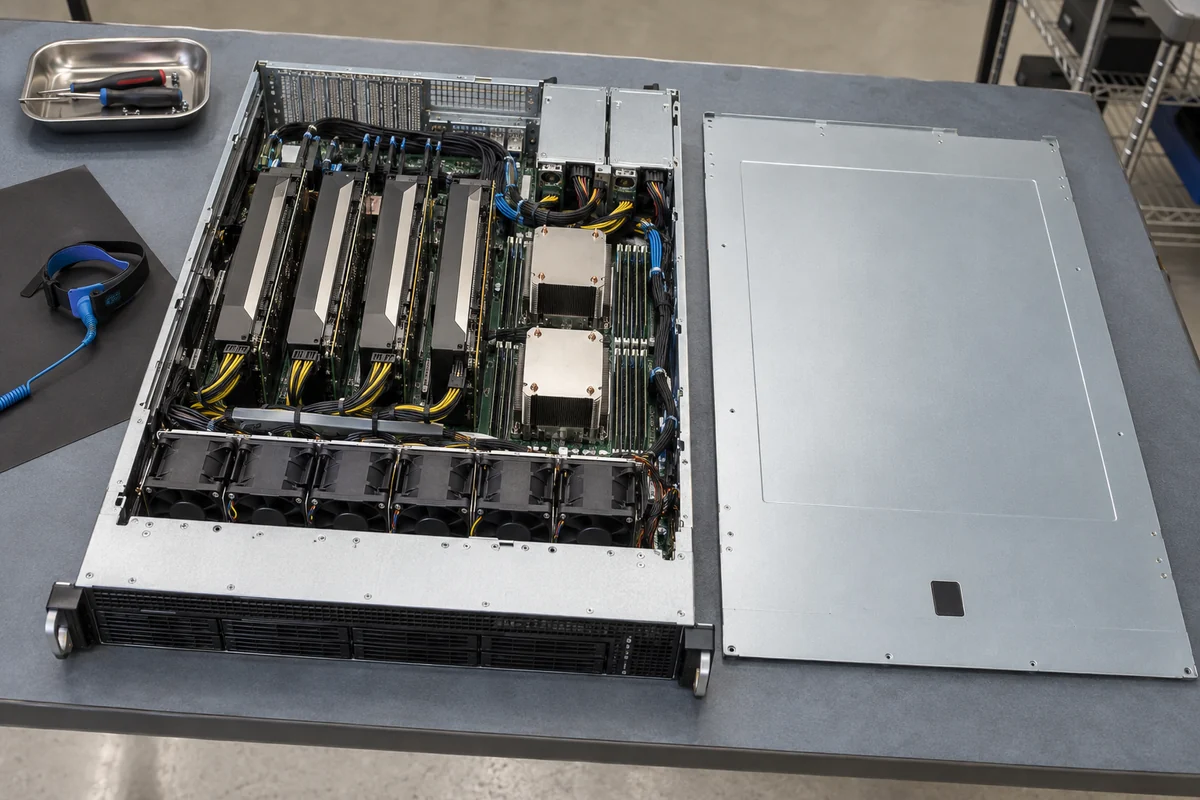
Rated continuous output and transient response are related but different questions. A brief current step asks the supply and its distribution path to keep voltage within the load’s permitted range while controls react. Output capacitors may cover part of that interval, but their presence does not make every instantaneous demand harmless. If protection responds to an overcurrent or voltage collapses far enough, the server may reset or shut down. Some platforms instead limit component power before reaching such a point. Do not infer an exact threshold or duration without the particular hardware’s specifications and logs.
For illustration only, suppose a server’s ordinary DC demand is 520 W, its sustained high-load demand is 710 W, and short excursions reach a higher level. A compatible 800 W module might support that profile under its stated conditions, but those three numbers alone cannot establish it: the module may be derated, other loads may not be in the estimate, and the server’s protection or power cap may respond differently to peaks. The example is not a recommendation to size every server with 90 W of headroom. It shows why an average measured at the wall is an incomplete proxy for the required output envelope.
Correlate the symptom with load timing before assuming a causal relationship. Does it happen as accelerators ramp, during storage spin-up, only after an AC transfer, or at random while idle? Did the server record power capping, PSU current, input loss, overtemperature or a platform reset cause around the event? A load-correlated pattern is worth investigating, but a correlation without a relevant platform event is still only a lead.
Redundancy changes the arithmetic after a failure
Two installed modules do not necessarily mean double protected capacity. In a redundant configuration, the surviving source may have to carry the whole supported load after the other module or feed is lost. A server drawing 1050 W from two healthy modules could be adequately powered in a nonredundant combined-capacity mode but have insufficient capacity to continue unchanged if only one 800 W module remains. Some platforms will throttle; others may reject the configuration, shed load or shut down. Those figures are hypothetical, and actual sharing and permitted modes are model-specific.
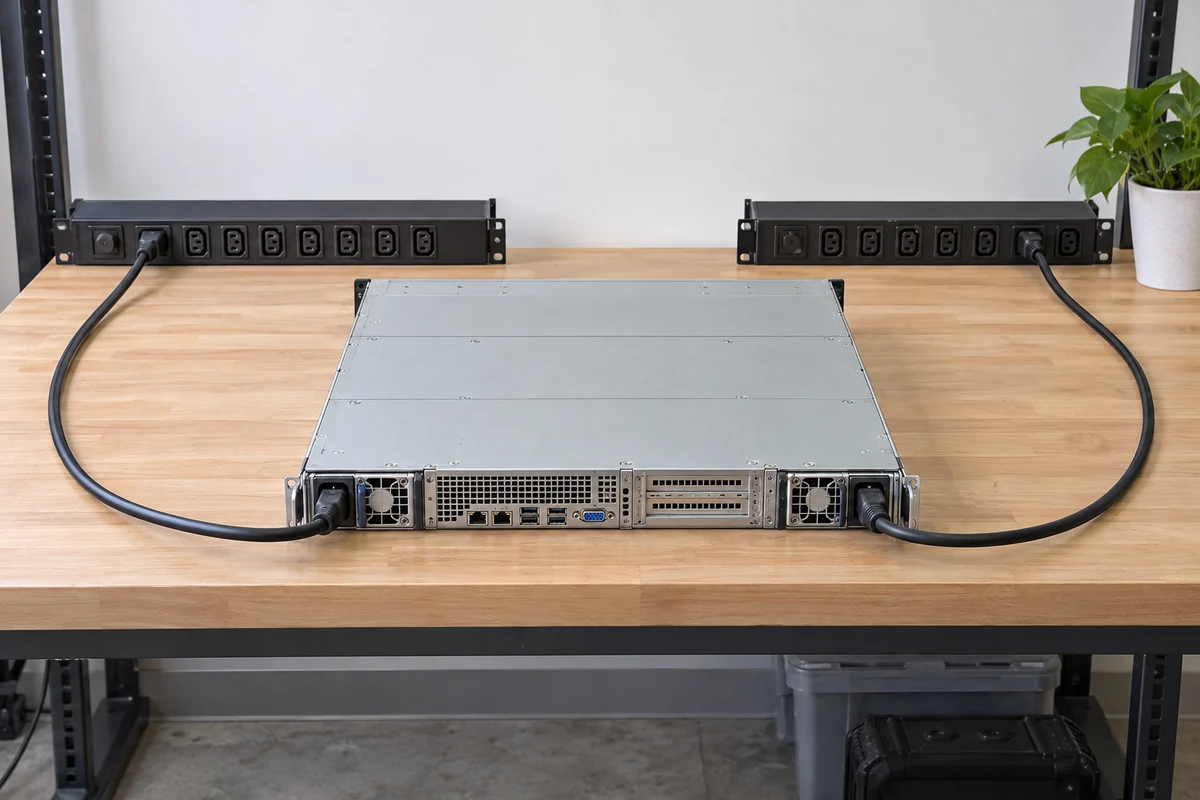
The amount of usable fault-state power can also depend on input voltage. If the surviving module’s capacity is lower on low line, a failover that works on a high-line feed may not preserve the same workload on that feed. A/B feeds protect against some upstream losses, but only if each remaining path can support the platform’s intended failure state. This is why a capacity issue may appear only when a PDU, UPS or PSU fails, even though the same server was stable for months with both sources present.
Do not conclude from a redundancy warning that the server must immediately crash. Vendors offer different policies for full-performance redundancy, fault-tolerant operation with throttling, or nonredundant combined capacity. The distinction is the platform’s supported behavior, not a generic interpretation of “1+1.” If a module is absent or has lost AC, read the effective available power and the active policy before comparing it with the present workload.
Power shortage has several possible outward symptoms
One platform may detect an inadequate power budget at startup and refuse to power on or enable a component. Another may boot but impose a CPU or accelerator power limit, producing lower performance instead of an outage. A third may encounter a protection event under load and reset. This spread is why “an undersized PSU causes crashes” is too simple. It can be true in a specific system state without predicting the next system’s symptom.
A freeze that leaves the server’s fans and power indicators running is less direct evidence. An application can hang because of a driver, storage timeout, memory error or thermal management problem. A brownout at one internal rail can also disrupt a subsystem without producing the same visible outcome as total AC loss, but identifying that would require platform-level evidence, not speculation about a specific rail from a front-panel symptom. Distinguish a kernel panic, an unresponsive network service, an operating-system reboot and a complete electrical shutdown. They are not interchangeable events.
Logs have limits too. A sudden power collapse can prevent software from recording its cause. A BMC event may identify a PSU input issue but not tell whether the root cause was the PDU outlet, cord, connector or converter. A power-budget warning can result from firmware inventory behavior on some platforms, not only a physically inadequate module. The best interpretation aligns several observations: chronology, configured hardware, input source, PSU status and workload. One alarm is a clue, not a verdict.
Transiently exceeding a budget is not the same as a PSU being permanently defective. A healthy but unsupported or under-capacity combination can produce a problem when configured beyond its permitted envelope. Equally, a module with ample nominal rating can fail electrically. The corrective actions differ: choosing a supported higher-capacity configuration, restoring the lost feed, revisiting workload limits, or replacing a faulty part. Treating every symptom as a bad PSU can leave the true fault untouched.
A diagnosis built around the failed state
Start with the exact moment of failure. If a server reboots as a GPU job begins, preserve the management events and workload trace from that period. Compare the installed PSU part numbers and their status with the server manufacturer’s supported configuration and the AC input actually supplied. Check whether a redundancy or low-line condition reduced available output, and whether a platform power cap or thermal event occurred first. There is no need to open a PSU case or run it outside its supported chassis to gather those facts.
Imagine a machine upgraded with accelerators but still fitted with its original PSU pair. It may boot because firmware allows the configuration, then throttle under simultaneous CPU and GPU work. That behavior would justify examining the approved power budget and effective module capacity; it would not automatically justify buying an arbitrary larger cartridge that fits mechanically. Pinout, management protocol, cooling and platform support remain part of the match. If there is no power-related event and memory errors coincide with the hang, investigate the memory path instead.
Now consider a server that operates normally until one UPS branch transfers or one input cord is removed under an authorized maintenance procedure. If the available-power reading falls and the server caps performance or shuts down, the failure-state budget is the immediate issue. The response may be a feed repair, a compatible PSU configuration, a workload policy change or a supported redundancy mode. Which one is appropriate depends on whether the goal is uninterrupted operation at full performance or controlled survival with reduced performance.
Do not deliberately remove a live PSU or AC feed to reproduce a crash unless the platform supports the procedure and the site has approved the risk. A production workload may have little reserve after redundancy is lost. Vendor diagnostic utilities and controlled maintenance windows are preferable to ad hoc experiments, especially when a shutdown could affect shared storage or other systems.
The real threshold is a configuration state
An undersized server PSU can be the reason a system becomes unstable, but “undersized” must be established against the available output in the actual state: input voltage, healthy modules, redundancy policy, temperature and workload. A server that hangs may be asking a different question entirely. The strongest explanation is the one that accounts for both the platform’s power behavior and the timing of the symptom without treating the nameplate or the crash itself as proof.