A click near a server power supply is not a diagnosis. One isolated click when AC is applied or removed may be an intentional switching action in a particular PSU design. Repeated clicks while the server struggles to start, or clicks accompanied by a changing power LED, shutdowns, a burning smell or heat, deserve a different response. First determine when the sound happens and whether the system’s power state changes with it. The rhythm and accompanying symptoms reveal more than the loudness of a single click.
The word “PSU” is also a location guess. A rack server places PSU fans, chassis fans, drive bays, relays and cable hardware close together. A sound that seems to come from the rear power bay can be mechanical contact in a fan or a component elsewhere in the chassis. Do not open a PSU enclosure or probe its internal circuits to settle the question. The useful observations are available from outside the unit and from the server’s own management records.
A single transition click is different from a repeated cycle
Some power supplies use a relay or other electromechanical device as part of their input or start-up arrangement. A distinct click at the moment power is switched on, followed by a stable running state, can therefore be expected for an identified design. It is not a universal property of server PSUs. A public explanation for a PC supply with an inrush bypass relay, for example, proves only how that particular family behaves. Before calling a server’s click normal, compare it with the exact platform or PSU documentation and, if possible, with a known-good module of the same supported type.
Time matters. One click as the machine starts, another when it shuts down, and no other symptom form a very different pattern from a click every second while the front power LED flashes. The latter suggests that something is repeatedly attempting to energize and failing, or that a mechanical part keeps contacting another surface. It does not prove a relay is inside the PSU. A fan blade scraping a cable can make a surprisingly regular tick, particularly during fan-speed changes.
Record the event without deliberately cycling a sick machine over and over. Was AC newly connected? Did the click follow pressing the power button, a UPS transfer, a workload change, or a PSU insertion? Did the operating system stay up? Did the noise stop after one transition or continue through normal operation? A brief phone recording from a safe distance may help support staff distinguish the cadence, but a recording without the system state beside it can mislead.
A slow, regular interval may indicate an automatic restart attempt; a cluster of very fast ticks can be mechanical contact or a relay chattering as its control voltage changes. Those are possibilities, not acoustic signatures unique to one fault. Note whether the front power LED follows the same rhythm. If it stays steady while the click repeats, that weakens a simple whole-system power-cycling explanation. If it extinguishes with each click, the repeated sound is part of a broader loss-of-power event. The interval alone cannot establish the cause, but it can tell support staff which observation to seek next.
When clicking accompanies a failed start
A PSU can shut an output down and attempt to restart when a protection condition persists. A repeated start–stop sequence may sound like clicking if relays or other mechanical parts participate; other designs will be silent. The underlying problem could be inside the module, at the mating connection, in the distribution path, or in a load that draws more than the source can support. The sound alone does not identify which component failed.
A server manufacturer’s own case illustrates the narrower inference. In a Supermicro support FAQ about clicking with a flashing power LED at startup, the stated possibilities include a defective PSU or an improperly seated main power connector. That is a particular symptom combination on a particular type of system; it does not mean every clicking rack PSU has the same connector or the same fault. It does show why the LED and startup state belong in the diagnosis alongside the noise.
Suppose the server powers off instantly after a click and tries again. A technician should note whether both PSU indicators lose their normal state together, whether the front panel resets, and whether the management controller logs input loss, power-supply failure or an overcurrent-related event. Those observations separate “the module lost its feed” from “a feed remains present but the server cannot hold its outputs” more usefully than removing a cover. Log names and LED colors vary by manufacturer; interpret them using the actual server manual.
Do not keep applying power if there is smoke, an electrical odor, visible damage, arcing, or an abnormally hot plug or cable. Isolate the equipment under the site’s electrical-safety procedure and use qualified service personnel. A repetitive click plus no boot is not a challenge to defeat by bypassing protection or fitting an arbitrary higher-wattage module. A compatible replacement should be chosen from the platform’s supported parts, and the cause of any downstream fault still needs attention.
Distinguish a power-bay sound from a rotating sound
Server fans can generate ticks, rattles and repeating taps. A loose cable, a worn bearing or a fan contacting its shroud may be audible only at certain speeds. The cadence may accelerate as fan speed rises and slow as it falls. A switching relay generally acts at power-state transitions rather than tracking rotational speed, although this is an observation, not a universal diagnostic law. The chassis can transmit vibration, so the loudest panel is not always above the source.
Listen from outside the intact chassis and compare with information the server already exposes: fan RPM trends, hardware alerts and the timing of thermal events. If the noise changes with fan-speed control but the PSU output and server remain stable, a mechanical source becomes more plausible. If the sound coincides precisely with PSU indicator changes or a server reset, a power path is more plausible. Neither correlation authorizes reaching into an operating chassis. Follow the platform’s fan service instructions for any physical inspection.
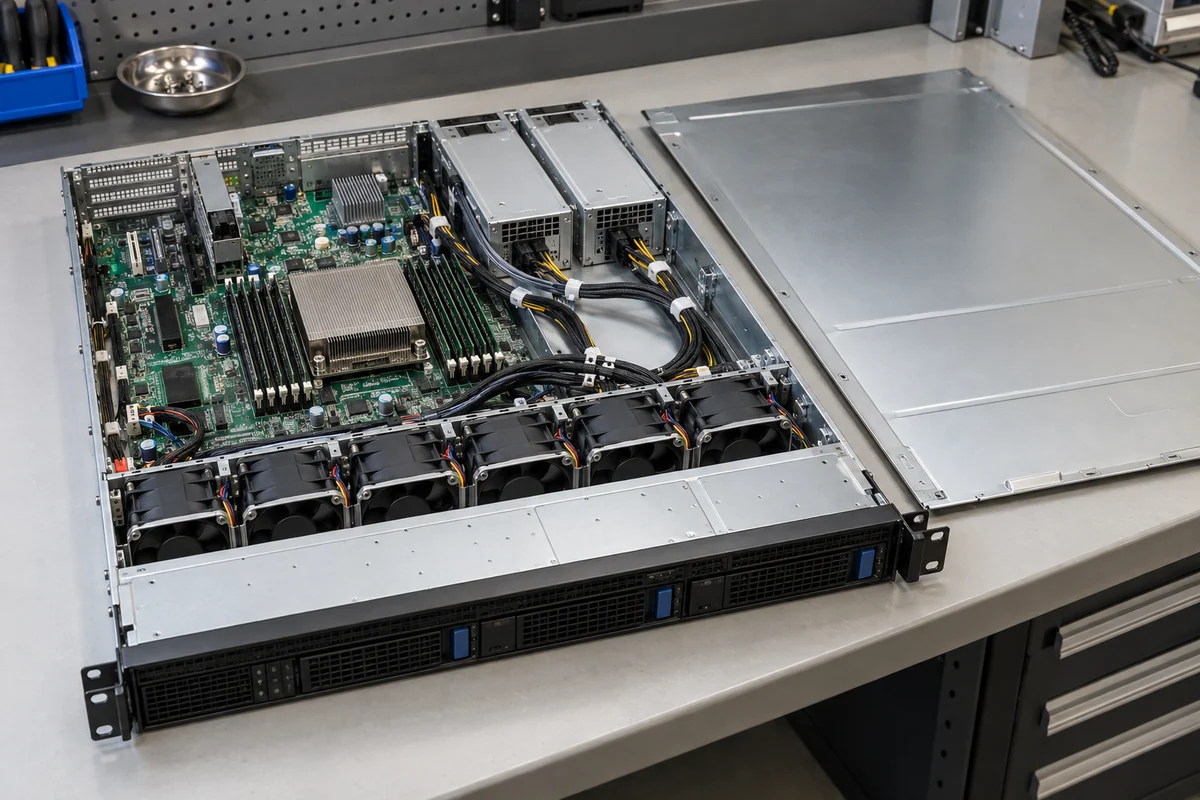
Storage hardware can confuse the picture as well. Hard drives may produce seeking or fault-related mechanical sounds, and drive carriers may vibrate. A clicking drive is not a reason to replace a PSU, just as a clicking rear fan is not proof of an electrical short. Storage warnings, drive activity indicators and the location of the drive bays help keep the diagnosis on the correct side of the chassis. The main distinction is whether the whole server’s power condition changes when the click occurs.
A single loud startup fan ramp also differs from ongoing clicking. High airflow in a small rack unit can mask a short noise or make a panel resonate. If a recording is needed, capture both the initial transition and a minute of stable operation from the same listening position. Note what the server was doing; a clip of sound alone cannot tell whether the system was booting, transferring input power or running normally.
Two PSUs can make source attribution harder
In a redundant server, both modules may be present but their operating modes, current sharing and fan behavior are platform-specific. Hearing a click near one bay does not establish which module supplies the load. An alert may come from the module whose AC feed changed, from the surviving module reacting to a new load, or from a chassis component between them. Read each PSU’s indicator and the server’s management event together, using the documented meaning of that exact model’s status codes.
There is a useful distinction between one affected module and a common event. If only one PSU shows an input-loss warning when the click occurs, inspect its external feed chain: its cord, PDU outlet, UPS path and the permitted input voltage. A loose or failing upstream connection can present as a local PSU alarm even though the converter itself is healthy. If both modules report changes at the same instant, look for a shared PDU, UPS transfer, breaker or common distribution condition. Separate feeds reduce common causes only if they truly remain independent upstream.
Do not pull a clicking module from a live system merely because there are two installed. Confirm that the platform supports hot swap in its current configuration and that the other module can carry the present load alone. If redundancy has already been lost, removing the only healthy source will shut the server down. Maintenance rules, input-cord handling and any required blanking of an empty bay belong to the server manufacturer’s instructions. The acoustic symptom does not override them.
A controlled exchange with a supported known-good module can be informative when the host and maintenance procedure permit it, but the result must be interpreted. If the clicking follows the module, suspect the module; if the symptom remains in the same bay, examine the bay, connector, distribution board and host-side load. If the fault appears only on one upstream feed, investigate that feed. None of these outcomes should be guessed from a single swap, and a damaged connector can affect both modules inserted into it.
Observe the system without opening the converter
The first non-invasive view is a short timeline: input available, button pressed, LED state, click, fan behavior, boot or shutdown, and any management event timestamp. If these timestamps disagree, account for clock differences between the BMC, operating system and UPS rather than forcing them into an assumed sequence. A click before the server attempts to boot may belong to an input transition; one after the load rises may be associated with a protection event. Exact timing can narrow the search without claiming it has identified an internal part.
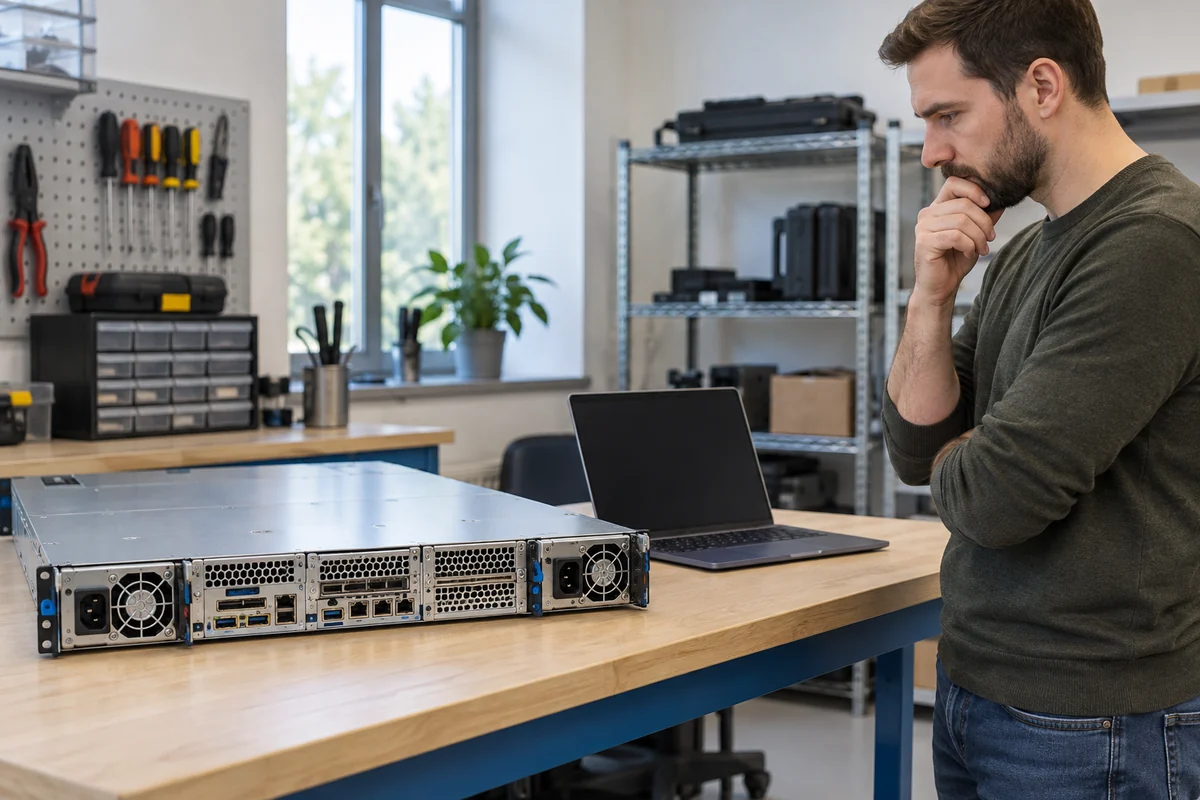
Check the external conditions the site can inspect safely: whether the cord is fully seated, the relevant PDU outlet is on, the UPS reports a transfer or fault, and the server is using supported PSU modules. Use the management interface to read PSU health and power-event history. If a software change or hardware upgrade preceded the noise, include it in the service record, but do not assume causation. A firmware update is not a blanket cure for clicking; vendor guidance and maintenance windows determine whether it is appropriate.
What not to do is just as important. A PSU can retain hazardous energy after its cord is removed. Opening the metal case, touching the fan through a vent, bridging contacts to “force” startup, or operating an exposed module outside the supported host can introduce risk and produce misleading results. External replacement and authorized diagnostic procedures are different from component-level PSU repair. Refer internal electrical work to trained personnel with the correct equipment.
What the sound cannot tell you
A click is evidence that some mechanical action or vibration reached your ear. It does not directly report output voltage, insulation condition, remaining redundancy or component identity. One isolated transition click with stable operation may require no repair for a documented design. Persistent clicking, failed boot, an abnormal LED, repeated resets or changes after a cable or load event call for investigation. The safest useful answer is not “all clicks are normal” or “replace the PSU.” It is a timed observation tied to the server’s status and the particular platform’s service rules.