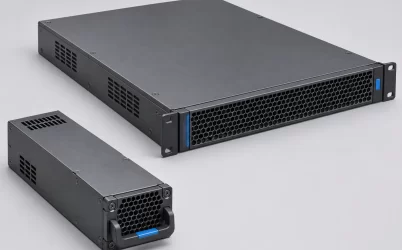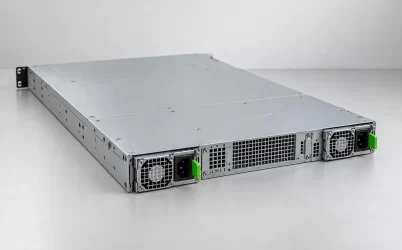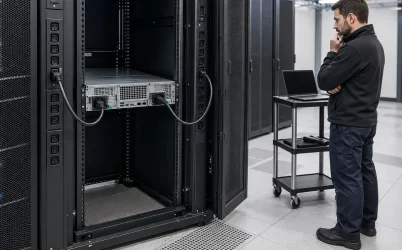
A server PSU may sound loud because its fan is removing more heat, but the noise may also come from a chassis fan beside it, a supported standby-fan cycle, a cooling-control response, or a damaged rotating part. Loudness by itself does not identify a failed power supply. If the sound is new, first note whether it began at boot, after a workload or hardware change, after one PSU lost input, or without an obvious event. Then compare the sound with the server’s temperature, fan status, power alerts, and recent service history. A continuous rush of air and a new scraping sound call for very different responses.
The rear of a server is an unreliable sound map
A rack server can place two PSU fans, several chassis fans, drive carriers, and a rack PDU within a small rear area. Reflections from the cabinet and floor make a fan sound as if it comes from the PSU handle even when its source is farther inside the server. This matters before ordering a replacement: swapping a healthy cartridge cannot quiet a chassis fan that the baseboard controller has deliberately accelerated. A click, rattle, or airflow rush should be located as carefully as a power alarm.
The rear panel presents several plausible sound sources at once. Observe from the normal service side with the server closed. If the platform exposes fan identifiers, RPM, temperatures, PSU status, and event history through its BMC or other management interface, relate those readings to the time of the complaint. The exact telemetry varies by server; some report chassis-fan speed in detail but little or no PSU-fan speed. Do not infer the source from a missing sensor field. Also note whether the sound is confined to one server, follows a particular bay, or can be heard at neighboring rack equipment.
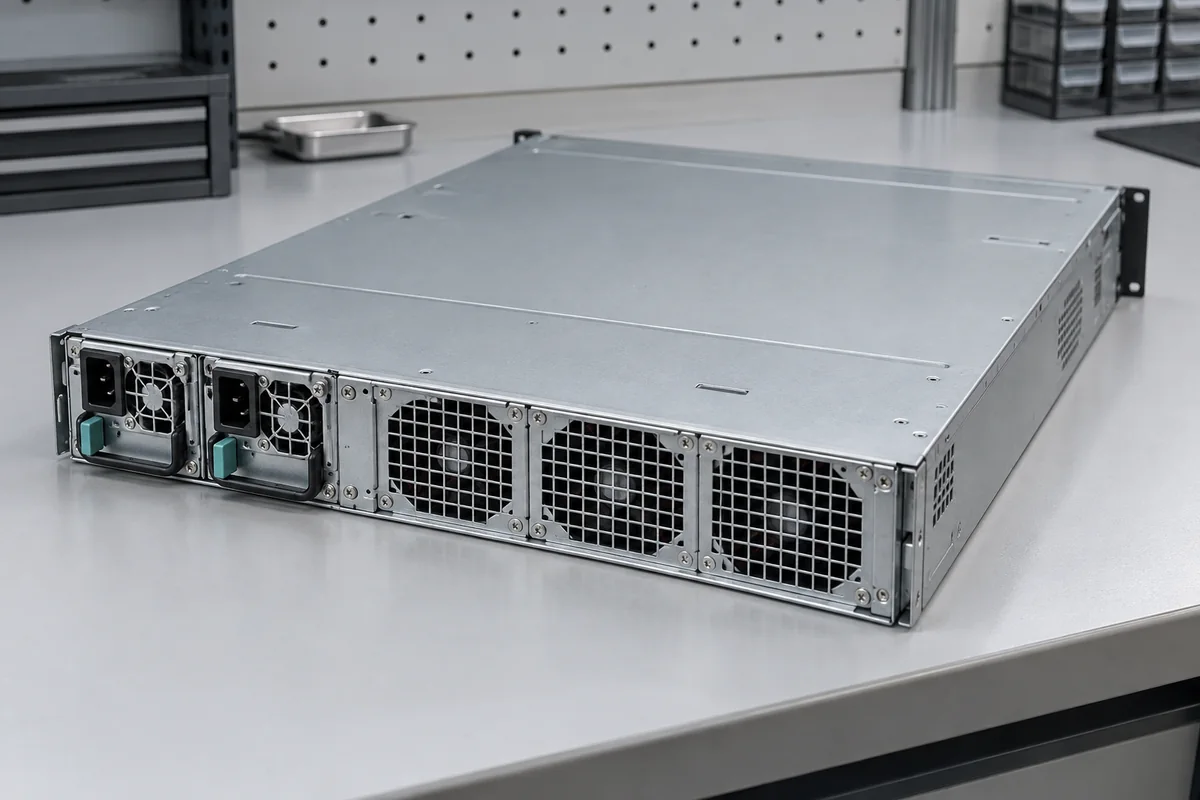
A safe listening comparison does not require inserting a tool near a spinning fan, unplugging a healthy PSU, or removing a protective cover while the server runs. Stand clear of exhaust openings and keep hands away from live connectors. Where an OEM provides a supported component-location or fan-test function, its instructions can help identify a source. Otherwise, pair ordinary observation with management telemetry and service documentation. The goal is to decide which subsystem is making the noise before choosing any intervention.
When the noise began is usually more useful than its volume
A short, strong fan ramp immediately after power is applied can be normal while the management controller initializes and establishes cooling control. Dell describes full-speed fan behavior during controller initialization in its PowerEdge fan-noise troubleshooting guidance. That statement applies to the covered Dell platforms, not every server. A fan that settles as the system finishes booting presents a different problem from one that remains at maximum speed for hours while the machine reports an error.
If loudness began after a CPU, GPU, NIC, storage, or firmware change, the change is evidence. A supported upgrade can create a real additional heat load; an incomplete cooling-kit upgrade, missing air baffle, or newly installed device that the management controller cannot classify may also change fan policy. Dell’s guidance explicitly lists unsupported hardware, incomplete processor upgrades, outdated firmware, open covers, and sensor-communication problems among causes of high fan speed on its servers. The implication is not to disable protection or roll back every upgrade. It is to compare the exact host’s approved configuration and current alerts with what changed.
A noise that appears only during a recurring workload may track actual power dissipation. CPU or accelerator utilization rises, the server draws more DC power, and the converter and components elsewhere in the chassis reject more heat. The PSU fan and the chassis fans may both respond. When the workload falls, a gradual decline in fan speed supports this explanation, though it does not prove all fans are healthy. A persistent rise in inlet temperature or a blocked front intake can produce a similar response even when compute utilization has not changed.
By contrast, an abrupt new grinding, scraping, or intermittent metallic sound is not explained by higher airflow alone. It can indicate contact, debris, wear, or another mechanical problem in a rotating assembly. Which assembly is involved remains to be established. Do not wait for a wattage or efficiency alarm to confirm a fan issue; the cooling fault may precede an electrical shutdown. Follow the platform’s service procedure and escalate promptly if the machine also reports fan failure, rising temperature, smoke, or a burning smell.
A fast fan may be protecting the system
Fan speed is often a controlled response, not an independent defect. A controller may increase airflow after a real hot inlet, a failed chassis fan, a high-power option, a missing sensor, or loss of communication with a cooling component. The audible result can be dramatic while the PSU continues to deliver stable output. Lowering a fan offset or substituting a quieter fan without understanding why it was commanded faster can remove the protection that kept the server within its thermal limits.
Read the inlet and component temperatures in the context of their location. A room thermostat does not measure the air entering an individual server. Hot exhaust recirculating around the side or rear of a rack, blocked perforated doors, dust, and a missing blanking panel can make the server inlet warmer than the aisle. If the controller reports an unexpectedly high inlet temperature, compare it with a suitable independent observation and the platform’s sensor diagnostics rather than assuming the server is overreacting. A failed or implausible sensor reading can itself drive a protective fan policy.
The cover and internal air guides also matter. Some servers react to an open or incorrectly seated lid because their airflow path or intrusion-switch state has changed. The OEM procedure may require checking the cover, baffles, blanks, and supported fan population after maintenance. These are chassis conditions, not evidence that the PSU has suddenly become noisy. The machine should be restored to its documented configuration; leaving it open merely to inspect sound can make the sound and cooling state less representative.
Firmware and control settings belong in the same explanation. A change to the BMC, BIOS, PSU firmware, thermal profile, or a third-party add-in card can alter how the host interprets sensors. The safe response is to review the platform’s event log, applicable advisories, and approved versions. Blindly forcing a lower RPM through an unsupported command may quiet one sensor response while concealing the underlying fault. For an operating production server, configuration changes should follow the vendor’s maintenance path and be assessed against workload and temperature, not judged only by whether the room becomes quieter.
Two installed PSUs can produce a repeating fan cycle
With a redundant pair, both modules being healthy does not require both fans to sound identical at every moment. A host may share load between modules, or it may support a standby or high-efficiency mode that concentrates conversion in one module. The quieter cartridge can still be connected to power and periodically run its fan to remove internal heat. Dell documents such a periodic PSU-fan ramp for certain PowerEdge configurations with Hot Spare enabled. That is a model-specific operating behavior, not a universal explanation for every pulsing PSU fan.
A repeating rise and fall deserves correlation with the PSU operating state. Check whether the controller reports a supported standby mode, whether the pulse comes from one bay, and whether the server remains thermally and electrically normal. Do not assume that one apparently idle supply is unplugged or broken. Nor should the presence of a scheduled cycle override a simultaneous fault alert. An identical sound pattern can have different meanings on different server platforms, especially where the PSU fan is controlled by its own electronics rather than by a single chassis command.
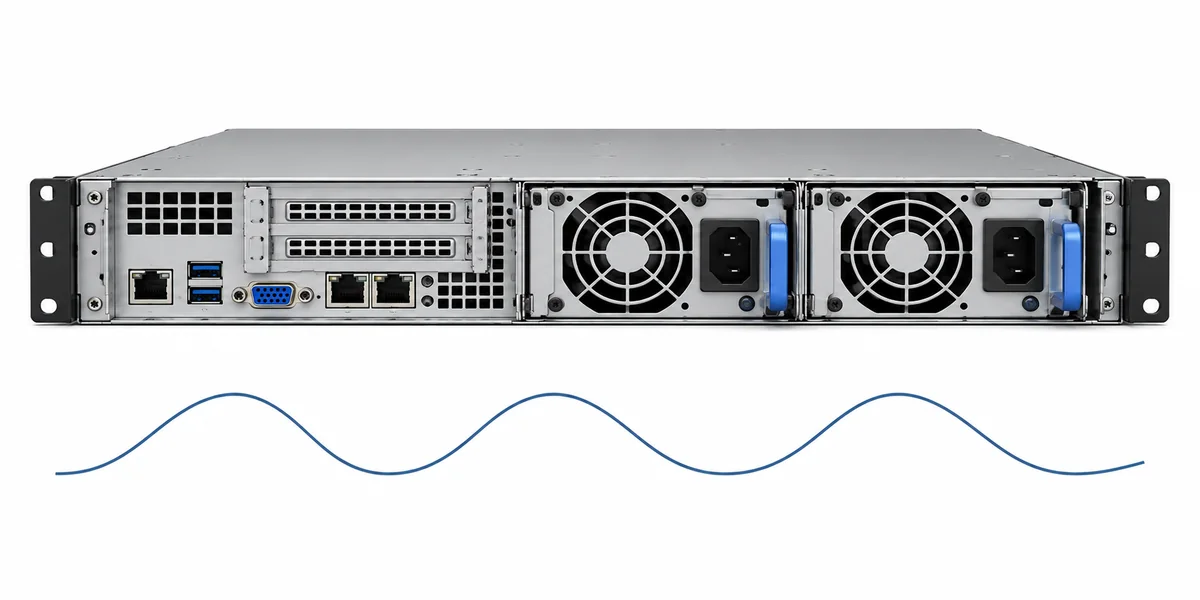
Loss of one PSU or one feed creates another audible state. If the server is designed to survive that event, the remaining module may carry more output load and produce more heat. Its fan can become louder even though the redundancy mechanism worked. The host may also change chassis fan policy. First resolve the missing source or failed module according to the approved procedure and confirm that the surviving module is within its permitted load and temperature limits. The louder survivor is a consequence to interpret, not a reason to remove it while it alone supports the server.
If both modules draw from the same rack circuit, a failure upstream can make two PSU indicators change together. A rack PDU or UPS alarm may then be more informative than either fan sound. Conversely, one bay’s persistent abnormal noise after the host returns to a healthy two-module state may justify a vendor-directed module service. The sound does not disclose which electrical path failed; compare feed status, module status, and event times before attributing the problem to the cartridge.
Mechanical noise and thermal airflow are different complaints
A steady high-pitched air rush, a cyclic fan ramp, and a rough bearing-like rattle are not interchangeable symptoms. The first may be the expected result of dense cooling under load; the second may reflect a control state; the third may indicate a mechanical fault. Tonal or buzzing sound can be harder to localize because power electronics and rotating fans both produce tones. An ear near a PSU is not a safe substitute for log evidence or a supported diagnostic. If the sound changes with electrical load but fan telemetry remains steady, note that relationship for service personnel without opening the converter.
PSU assemblies contain hazardous energy, and internal capacitors may retain charge after the AC cord is removed. Do not open a PSU casing, restrain a fan blade, short pins, or improvise a load to “prove” the source of a loud sound. A replaceable cartridge is serviced as a sealed unit under the host vendor’s instructions. If the system has only one PSU, removal will interrupt power; if it has two, removal is safe under load only where the platform actually supports hot swap and surviving capacity. Acoustic diagnosis does not relax those electrical constraints.
Visible damage, odor, smoke, repeated electrical alarms, and rising temperatures justify immediate action under the site’s safety and incident procedures. If the only symptom is that a normally high-performance server sounds louder than a nearby desktop, a component swap may be unwarranted. The meaningful comparison is with that same server’s earlier behavior in a comparable workload, inlet condition, fan profile, and module state. A decibel figure measured from another model or room is not a baseline for this machine.
When the PSU itself is confirmed as the source and replacement is appropriate, the compatible spare is defined by the server platform, not by a quieter marketing label. Module fit, output, connector, firmware support, fan direction, and redundancy behavior must match the host. But many loud-server complaints end before that step: restoring a missing baffle, resolving a thermal alarm, correcting a supported firmware issue, or acknowledging a documented fan cycle may account for the sound without changing the power supply. The useful result of troubleshooting is an identified operating state or fault location, not merely a lower noise reading.