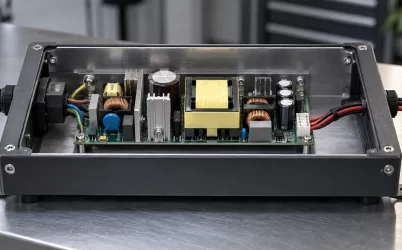
A 1000W Titanium server PSU should be selected against the load the server must sustain, not against a convenient round number. In a redundant platform, the decisive condition is usually not the normal shared load. It is the surviving module, surviving input path, and allowed system performance after the defined failure. A supply with a 1000W label may be suitable for a compact compute node, a storage server, or a network appliance, but only if the exact chassis assembly and its power policy are qualified for that module.
The word Titanium describes an efficiency classification for an exact tested power supply under defined conditions. It does not establish chassis fit, connector compatibility, source redundancy, or capacity at every voltage and temperature. Treat efficiency as one documented attribute after the host architecture is known.
Quick answer: size the surviving path, then prove the host interface
For a 1+1 server, use 1000W as protected capacity only when one approved module can support the intended load under the actual input and environmental conditions. Record the workload, system power policy, PDB and bay interface, input service, and fault behavior. A pair of 1000W modules is not automatically a 2000W redundant design. Normal load sharing, input-feed separation, and post-fault behavior each need their own evidence. Never use a same-wattage module as a substitute for an exact approved part without verifying the entire physical and electrical interface.
Define the service promise before calculating capacity
“Redundant” can mean several service outcomes. One platform may continue at full workload after a PSU fault. Another may keep operating while limiting processors or accelerators. A third may preserve data long enough for orderly shutdown. Capacity planning should name the intended outcome, because each produces a different acceptable load envelope. The design record should identify the module failure, input-feed loss, fan or thermal condition, and firmware policy that the availability claim assumes.
Start with a complete installed configuration: processor class, memory population, drives, network interfaces, accelerators, fans, expansion cards, and powered accessories. Define the workload states that matter, including boot, storage initialization, sustained application demand, and expected recovery after a supply event. Then gather applicable telemetry or controlled measurements. A wall meter represents AC input, while platform telemetry may represent only selected DC domains. Both can be useful if their boundary is recorded.
Do not turn a short average reading into a universal capacity conclusion. Startup transitions, fan ramps, accelerator initialization, and storage activity may not appear in a quiet idle sample. A bounded operating profile is more useful: hardware population, input range, workload, power policy, ambient condition, and redundancy state. It lets operations teams understand what the 1000W selection was actually intended to protect.
Check the exact module, bay, and PDB as one assembly
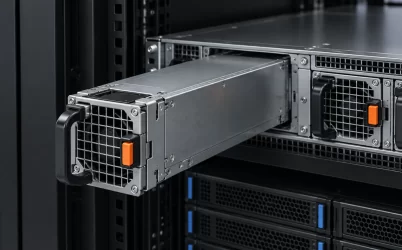
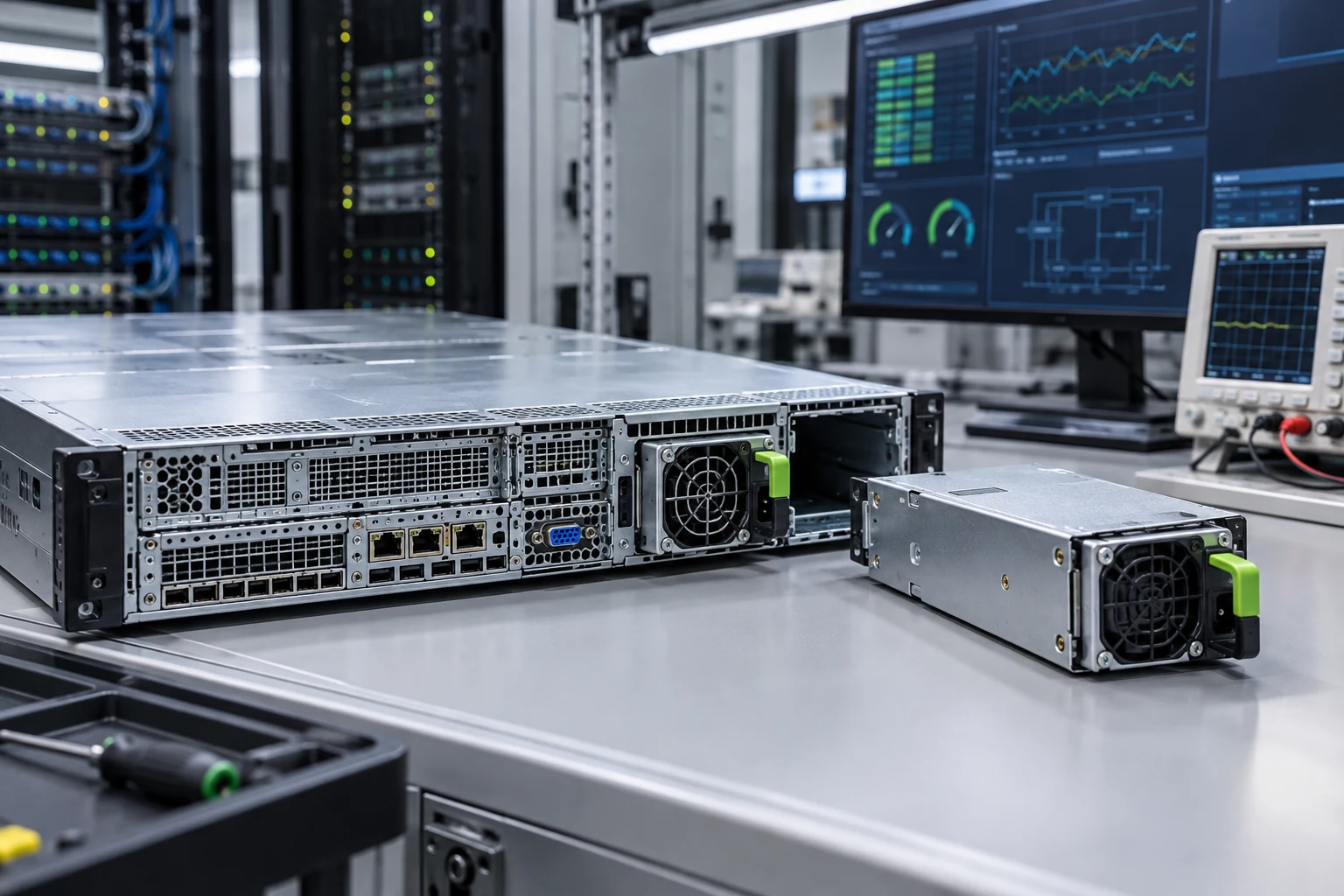
Hot-swap server supplies are not generic power bricks. They mate with a chassis cage and power-distribution board that may carry high-current contacts, control signals, standby behavior, telemetry, and sequencing functions. Match the installed module part number, bay geometry, guide rails, latch, airflow direction, connector, PDB revision, and approved host documentation. Similar external dimensions or a similar fan grille do not prove interchangeability.
A replacement review should include photographs of the installed label and mating area, the host model, PDB identifier, input configuration, firmware information, and vendor-supported replacement documentation. If a module must be selected for a custom chassis, add mechanical drawings, output requirements, control signals, protection expectations, and thermal conditions. This evidence makes a compatibility decision reviewable instead of relying on a reseller title or an unverified pinout.
Read Titanium efficiency without overstating it
Efficiency affects the difference between input power and delivered output power. At the same DC load, lower conversion loss can reduce heat generated by the supply. The practical result, however, depends on load profile, inlet air, fan control, upstream distribution, and the test conditions associated with the exact model. It should not be presented as a fixed facility-energy outcome for every server.
Verify that any Titanium claim belongs to the exact model and revision under consideration. A family page or marketplace listing may omit input conditions, derating information, or a revision change. Keep the product documentation and certification evidence with the configuration record. This is especially important when procurement replaces a failed module years after the original server was qualified.
Trace the upstream power path
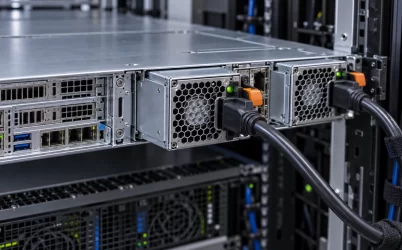
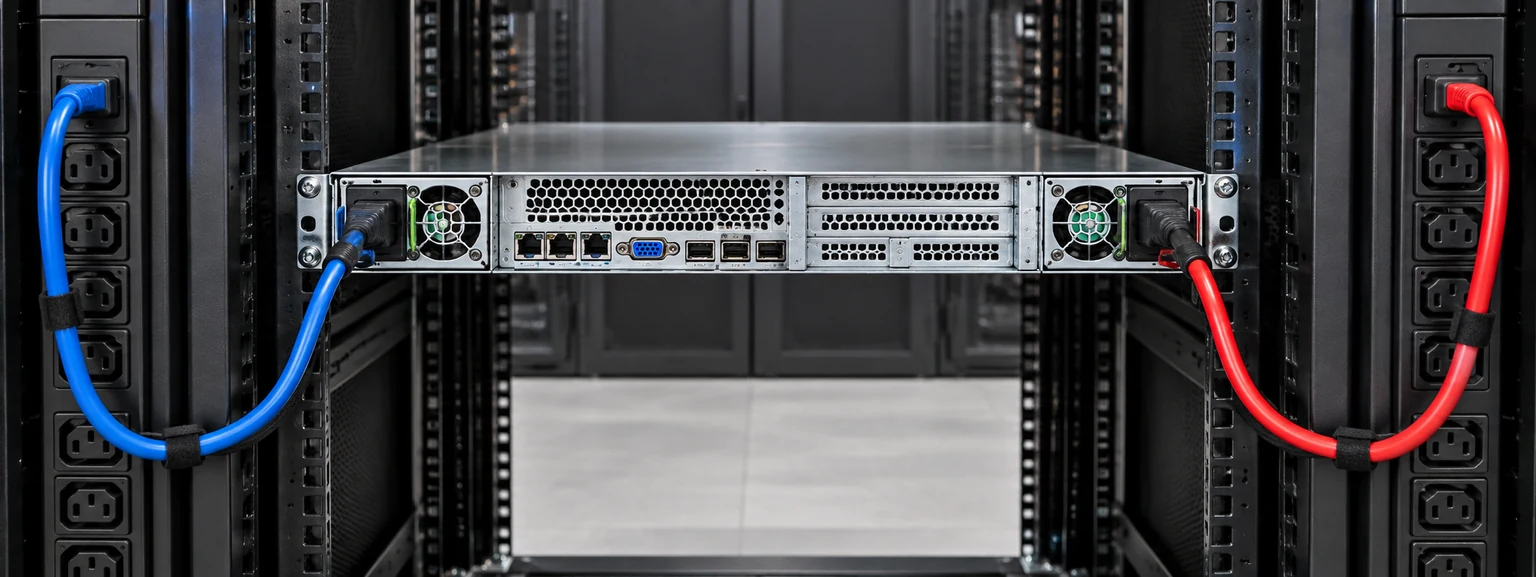
Before deploying a 1000W-class module, verify the intended AC service, outlet type, cordset, rack PDU, breaker arrangement, and source paths. An output rating can depend on the input conditions published for the PSU. Do not infer the same capability from a different regional voltage or an unrelated PDU outlet. If availability depends on two independent feeds, label and document the A/B paths so a later maintenance change does not place both modules behind the same upstream failure point.
The power path should also describe protection ownership. Some functions are provided by the host, rack PDU, or facility equipment rather than the PSU itself. Avoid adding, omitting, or changing protective components based only on a total-wattage comparison. The documented host design and applicable facility process should govern the installation.
Validate the condition that operations will actually face
Controlled validation should cover representative startup and workload states, not only a healthy idle condition. Review platform logs for module status, input loss, current sharing, and thermal alarms. Where authorized, perform the defined one-supply or one-feed condition and observe whether the system meets its documented service policy. If performance limiting occurs, make it visible to the operations team and confirm that the workload owner accepts it.
Use the test to find integration issues as well as capacity issues. A poor connection, missing blank, obstructed airflow path, mismatched firmware, or unequal source arrangement can create a fault that a wattage calculation will never reveal. Recheck that the replacement module seats correctly, that the handle and latch are accessible, and that the server records the expected identity and status.
Keep the spare strategy exact
A spare policy based on “1000W server PSU” is too broad for most hot-plug systems. Record the approved module identifiers, relevant firmware guidance, chassis and PDB families, storage conditions, and receiving inspection. A high-quality spare is one that can be installed without creating new uncertainty in electrical interface, telemetry, thermal behavior, or source arrangement.
For related capacity planning, see server power supply wattage. For a separate discussion of dual-feed protection, see server dual power supply protection. Neither page replaces the exact host documentation required for a replacement decision.
Use thermal evidence from the installed chassis
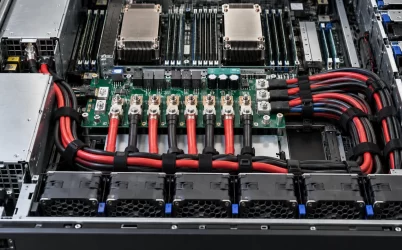
Power delivery and cooling interact closely in a one-unit or two-unit server. A supply can receive air that has already been warmed by processors, memory, storage, or accelerator cards. Rear-bay blanking, adjacent module population, fan health, cable routing, and rack clearance may all alter that condition. Review the module documentation for its stated operating environment, then compare it with the completed chassis rather than a bench setup. If a chassis is designed to run with every bay populated, a missing module or blanking panel can change the expected flow path.
During acceptance, inspect physical seating, latch engagement, connector cleanliness, airflow direction, and system fault indications. Check that the BMC or platform-management layer identifies both modules and reports an expected healthy state. An unexplained fan increase, an intermittent module-present alarm, or an unequal status after replacement should be treated as an integration finding, not dismissed because the server remains powered on.
Plan maintenance around the fault domain
Hot-swap capability permits service without taking down a qualified redundant system, but it does not remove procedural risk. Before removal, identify the feed to be serviced, confirm the companion module and source path are healthy, and make sure the workload is inside the approved single-module operating profile. After insertion, verify that the replacement is recognized, that source labeling remains correct, and that any alarm clears through the normal management path. Record the action and module identifier so a later incident can be correlated with the actual service history.
These checks reduce the chance that an apparently routine PSU replacement quietly leaves a server on one source, one module, or an unrecognized substitute. For a 1000W Titanium platform, that record is often more valuable to availability than a marginal difference in the advertised efficiency number.
Keep the approved configuration accessible to the people who receive spares, install hardware, and respond to alarms. Consistent evidence prevents a capacity decision from becoming an unsupported assumption during urgent maintenance.
Acceptance record for a 1000W Titanium installation
- Approved module, chassis, and PDB evidence.
- Input voltage, outlet, cord, and source-path identification.
- Installed hardware population and power policy.
- Representative workload and post-fault observations.
- Thermal, telemetry, and event-log results.
- Approved spare identifier and service procedure.
Review this record after a hardware revision as well as after a fault. A new accelerator, storage population, fan profile, PDU assignment, or firmware policy can change the protected operating condition without changing the PSU label. Repeating the relevant validation preserves the connection between the availability target and the actual server configuration.
A 1000W Titanium server PSU can be an efficient and capable part of a resilient platform, but only when its protected load, host interface, source path, and operating limits are defined together. The decision becomes dependable when the team can show why the module is right for the completed server, not simply why 1000W sounded sufficient in practice.