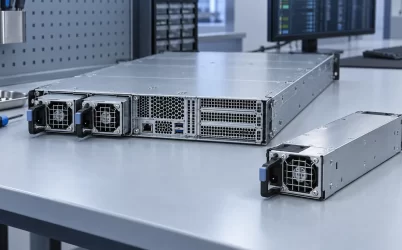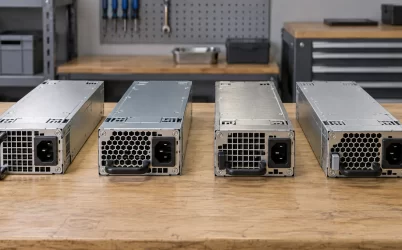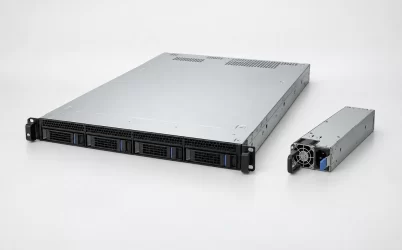
Yes, a server built for redundant power can often run with one power supply, but only if that exact platform supports single-PSU operation and the remaining module can carry the permitted load at the available input voltage. The server then runs without PSU redundancy: another loss of its power path can stop it. Some models ship with one PSU and add a second for redundancy; others impose population, power-cap, or service rules that make the answer different. “Two bays” is not enough evidence that any one module will boot the configured host, much less sustain its maximum workload indefinitely.
One installed PSU and one failed PSU are different starting points
The question can refer to two situations. An operator may intentionally install only one PSU in a dual-bay chassis. Or a server that normally has two supplies may lose one while it is already running. Both leave one apparent source, but firmware state, mechanical bay treatment, alarms, and hot-swap permissions can differ. A platform may permit a single unit at startup yet require shutdown before removing that sole installed unit. A server running after one module fails may carry a fault alarm and restrict load until the failed module is replaced.
A first-party example shows why the model matters. Lenovo’s ThinkSystem SR645 installation documentation states that this specific server can ship with one PSU, which places it in a non-redundant mode, while two installed supplies permit redundant mode. When one fails or is removed, its BMC reports an event and changes the mode to non-redundant. The same page says its default single-PSU arrangement is not a hot-swap license to remove that sole unit while the server is powered. These are SR645 platform rules, not universal behavior for every server or every generation.
Some servers require minimum module counts, matching module types, a certain AC supply range, or firmware support for a chosen population. A chassis may expose two identical-looking bays while one of the supported power configurations needs both modules for full compute capacity. The authoritative answer comes from the server’s product guide and service manual for its exact configuration, not from the shape of the rear panel or a generic definition of redundancy.
Will it boot from the remaining supply?
A server designed to boot with one PSU normally detects the installed module, checks the input and output status, and decides whether available power is enough for the populated CPUs, memory, storage, accelerators, fans, and expansion cards. Some platforms make this decision before boot and refuse a configuration they cannot power safely. Others start with a power cap or disable optional devices. A generic dual-PSU label does not reveal which policy the host applies.
Module rating alone also needs context. A 1,200 W label generally describes an output capability under stated conditions, not an unconditional promise at every mains voltage or inlet temperature. Some high-power modules reduce available output on lower-voltage AC input. Ambient temperature or altitude may further narrow the usable envelope. A machine that boots with one supply during a cool idle period can still encounter a capacity limit during sustained accelerator work or a high-load storage rebuild. Whether the firmware preemptively restricts those states is platform-specific.
The simplest useful comparison is between the configured host’s maximum permitted DC demand and the remaining module’s supported output in the site’s actual conditions. Suppose, only as an illustration, that a particular host is allowed to demand 950 W after one PSU is lost and its remaining module can deliver 1,100 W at that input and temperature. The arithmetic leaves 150 W of nominal difference before considering distribution losses, transient behavior, or platform margin rules. If the module’s usable output falls to 850 W under another input condition, the same host cannot assume the previous full-load state remains supportable. Those figures are hypothetical and do not identify a Powernexu product.
When a host has a built-in single-PSU population option, its OEM configuration tool and service documentation may define the permissible cards and accelerators more accurately than an external total-wattage guess. The boot question is ultimately a supported-system question: can this configuration start and operate within its intended power envelope with only one installed supply?
Running after a failure depends on the surviving path
If one PSU fails during operation, the other module must receive power, remain electrically isolated from the fault, and deliver the full required output through the server’s combining and distribution hardware. A failed module can be more than an open circuit; faults in a common backplane or output path may affect both modules. A properly functioning redundant design is meant to contain appropriate single-module faults, but that intended behavior does not prove survival from every electrical failure.
The AC-side arrangement matters as well. Two PSU modules plugged into one PDU may survive one converter failure but not loss of that PDU. If the surviving module is connected to an alternate feed, its cord, branch circuit, and upstream UPS must support the transferred input demand. A power supply’s DC output rating does not by itself confirm upstream circuit capacity. The failed-state question therefore includes the whole remaining route to the server load, not just a count of modules still seated in the chassis.
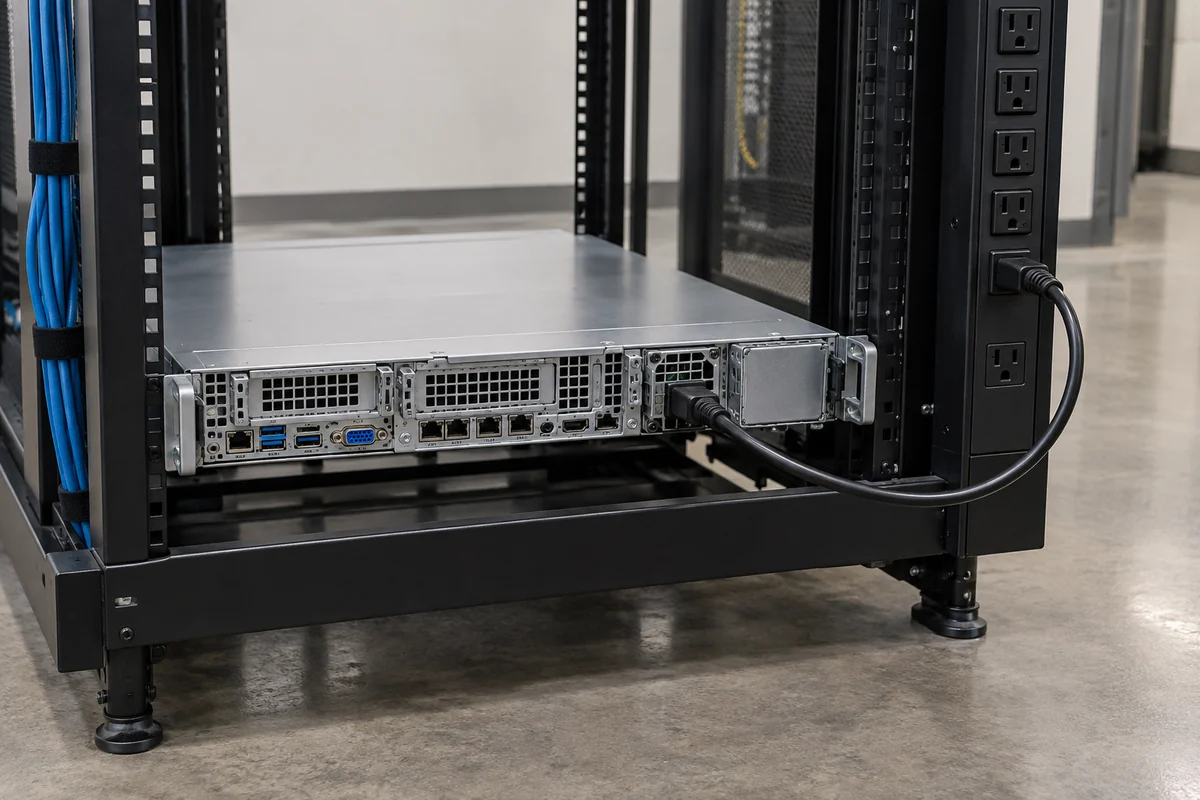
When transfer succeeds, the server may remain online at its current task level or may enter a restricted mode. This article is about whether one PSU can keep the host powered and under what supported population conditions. The separate question of how much throughput survives a fault depends on the platform’s power-control policy and workload. Avoid turning a “still running” status light into a promise that every accelerator, processor, or drive can remain at peak demand.
If the failed unit emits an alarm but the server continues, treat that alarm as evidence that the protection state has changed. The remaining unit is now the only converter source. Normal services might still be available, yet another PSU or feed event has no reserve to absorb it. That operational risk is why a supported temporary single-PSU state is not the same claim as a fully redundant deployment.
Live removal is allowed only where the platform says it is
“Can run on one” and “may pull either module without shutdown” are not equivalent. In an approved dual-module hot-swap arrangement, the platform can permit removal of one module while the other carries the load. That permission depends on the exact PSU, backplane, connector sequencing, fault isolation, and service procedure. If the system already has only one functioning PSU, removing that sole source will normally shut it down. Some OEMs explicitly distinguish removal of a redundant module from removal of the single installed module.
Even in a supported hot-swap system, the procedure may prescribe which cords to disconnect, how long a bay may remain open, and which replacement parts are approved. The replacement module must match the platform’s mechanical and electrical requirements; a same-wattage unit in a similar-looking housing is not automatically compatible. If this is a service task, follow the exact server’s OEM procedure rather than treating generic advice about hot-swap PSU service as an authorization for the specific host.
Do not open a PSU housing to investigate why the server is running on one module. Server supplies can retain hazardous energy and are generally serviced as replaceable units, not opened in the rack by an operator. The relevant inspection points are the approved module indicators, management events, cord and feed status, and host documentation. Testing or repair beyond those boundaries belongs to personnel and facilities equipped for it.
An empty bay can change cooling and physical protection
If one module is removed for a long period, the empty opening is not necessarily harmless. Server airflow is controlled by fan pressure and intended inlet-to-exhaust paths. An open PSU bay can allow recirculation or bypass, reducing the air that crosses the components that need it. Some OEMs require a dedicated PSU blank or filler in an unoccupied bay; others specify a short replacement interval. The right answer belongs to the exact chassis manual, not a universal “leave the hole open” or “always install a blank” rule.
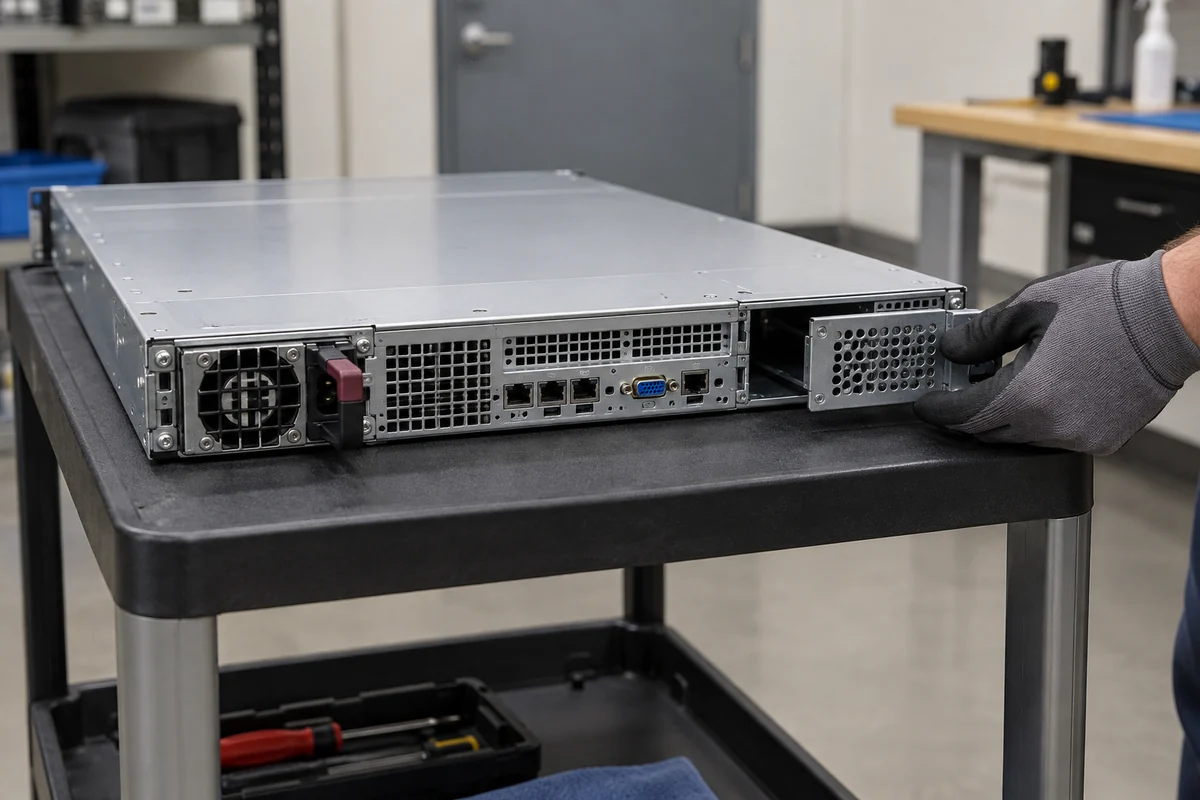
For example, Dell’s documentation for certain PowerEdge configurations requires a power-supply blank in the unused second bay to maintain cooling. That is a model-specific design detail. A filler should not be improvised from tape, cardboard, or an unrelated bracket: it must fit the intended mechanical and airflow function without blocking service hardware or interfering with live parts. If a module fails but remains physically seated, the host’s fan-control response may be different from the response when the bay is empty.
The second PSU can also carry a fan or form part of a shared exhaust path. A failure may therefore change both conversion capacity and cooling behavior. Observe the server’s supported inlet-temperature and fan-status limits during degraded operation. A host that is electrically capable of single-PSU operation may still need a quick replacement because the failed or removed module alters the thermal arrangement. Capacity and cooling are separate conditions for the same practical answer.
What to expect in management and at the rack
A supported single-PSU state may appear as “non-redundant,” “degraded,” or another vendor-specific status. It may trigger a front-panel indicator, BMC event, remote alert, or power-limit policy. The exact wording is less important than its meaning: determine whether the host sees a missing module, failed conversion, absent AC input, incompatible replacement, or insufficient redundant capacity. These are not interchangeable causes. A healthy PSU with no upstream feed can produce an operational result similar to a failed module but needs a different repair.
Management can also report that two PSUs are present while power redundancy is lost because one input is absent or both modules cannot cover the configured load individually. Conversely, a server may boot on one unit and simply report that redundancy is unavailable. The count of installed metal boxes, dashboard color, and actual protected state should not be collapsed into one observation.
For a deliberate single-PSU installation, document the supported power population and the upstream source that feeds it. For an unplanned failure, capture the management event, identify the affected physical module and cord, and arrange the OEM-approved replacement. The goal is not to perform a generic fault-injection experiment on a production server. It is to understand which state the platform has actually entered, whether the remaining capacity is sufficient for the workload, and what restoration of redundancy requires.
Single-PSU operation is a state, not a redundancy promise
A redundant-capable server can often run on one PSU because one correctly sized module was intended to carry the load when the other is absent. In other configurations, the server may boot with limits, reject the population, or require a different module/input combination. The only safe general answer is conditional: confirm the exact platform’s supported single-PSU mode, remaining usable output, management behavior, and empty-bay treatment.
If one module is missing and the server is still processing work, it is operating without the PSU fault tolerance that motivated dual supplies. Restoring the approved module and confirming that the platform again reports a redundant state closes the specific failure. Continuing indefinitely on one PSU may be an intentional supported design for a noncritical host, but it should not be confused with a redundant configuration merely because a second bay exists.